


Localizeの仕組み
4つのステップで多言語コードを作成する
開発スピードや効率性を損なうことなく、グローバルな体験を構築できるよう支援します。
ステップ1

Connect
Localizeをサイトに導入するのは簡単です。LocalizeのJavaScriptタグを1つインストールするだけで済みます。
ステップ2
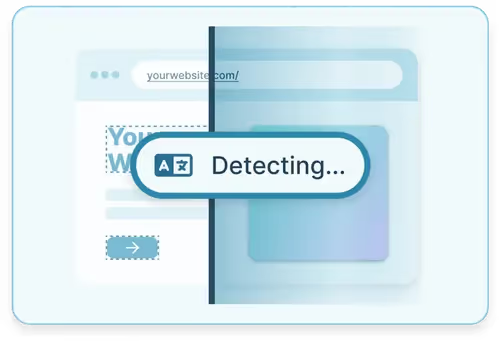
Detect
Localizeは、お客様のコンテンツをすべて自動的に検出し、レビューとAI翻訳のためにダッシュボードに取り込みます。
ステップ3
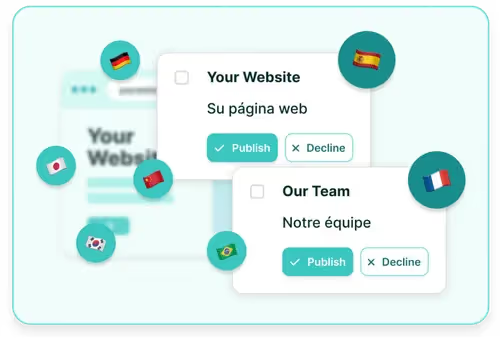
翻訳
Localizeの直感的なダッシュボードで、AI搭載の翻訳エンジンを使ってコンテンツを簡単に管理・翻訳できます。
ステップ4

ライブ&ローカライズ
Localizeの自動コンテンツ配信機能を使えば、サイト上の翻訳を確認できます。